The meeting platform that ends status meetings

Meetings that never hit your calendar

Send a video agenda, not an invite. For teams whose calendars leave no room to work.

  • 14-day trial, no card
  • EU or your own S3 storage
  • GDPR compliant
  • More room in your calendar
The products

One video per topic replaces the status call

An agenda your team records, and the recorder behind it, free to use on its own.

For teams and organizations

Capme Meetings

An agenda with owners and a deadline, instead of an hour in everybody's calendar.

How a meeting runs

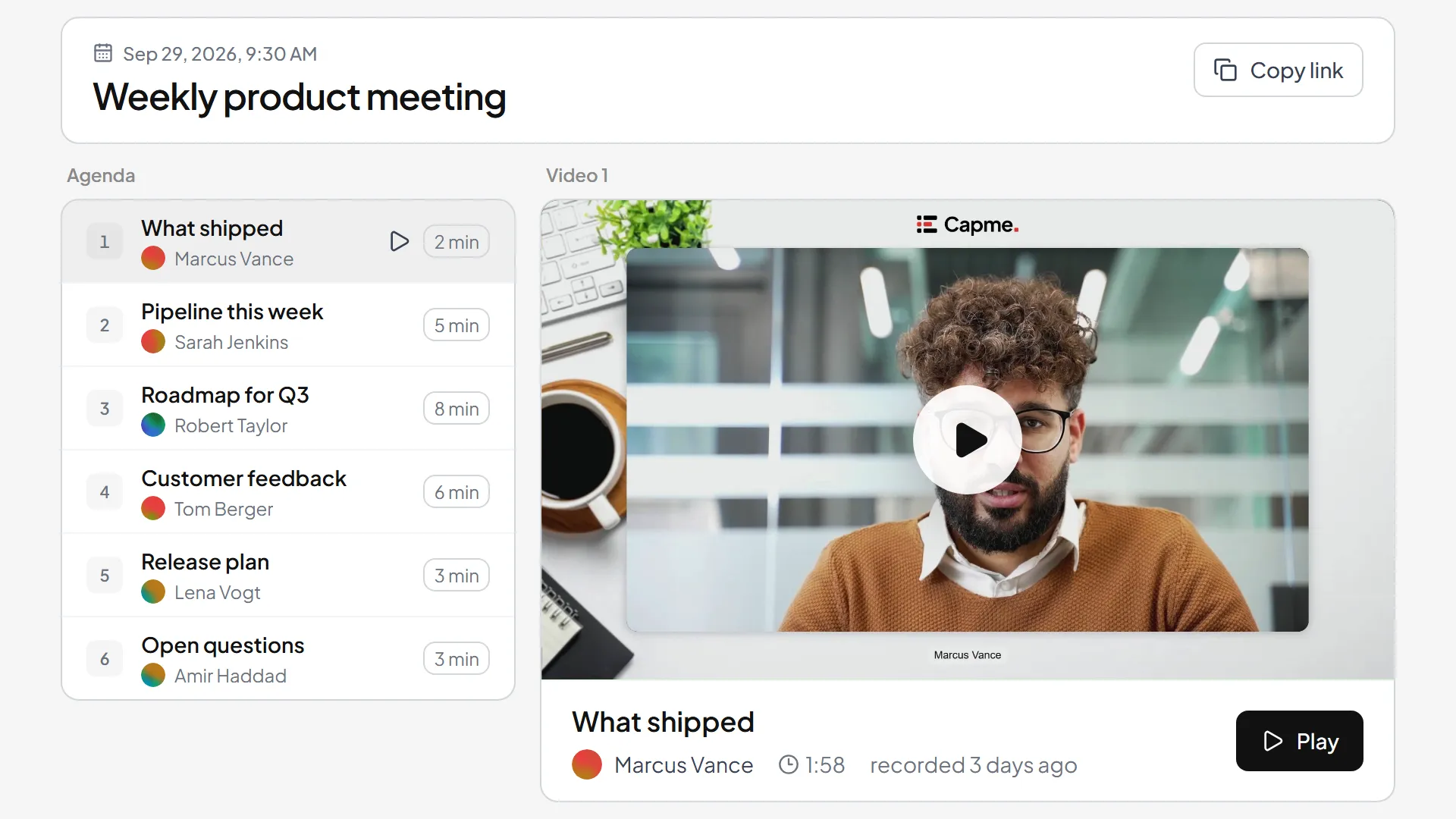
  1. Write the agendaA topic per point, one named owner on each, and a deadline.
  2. Everyone records their partEach owner gets a link and records a few minutes in the browser.
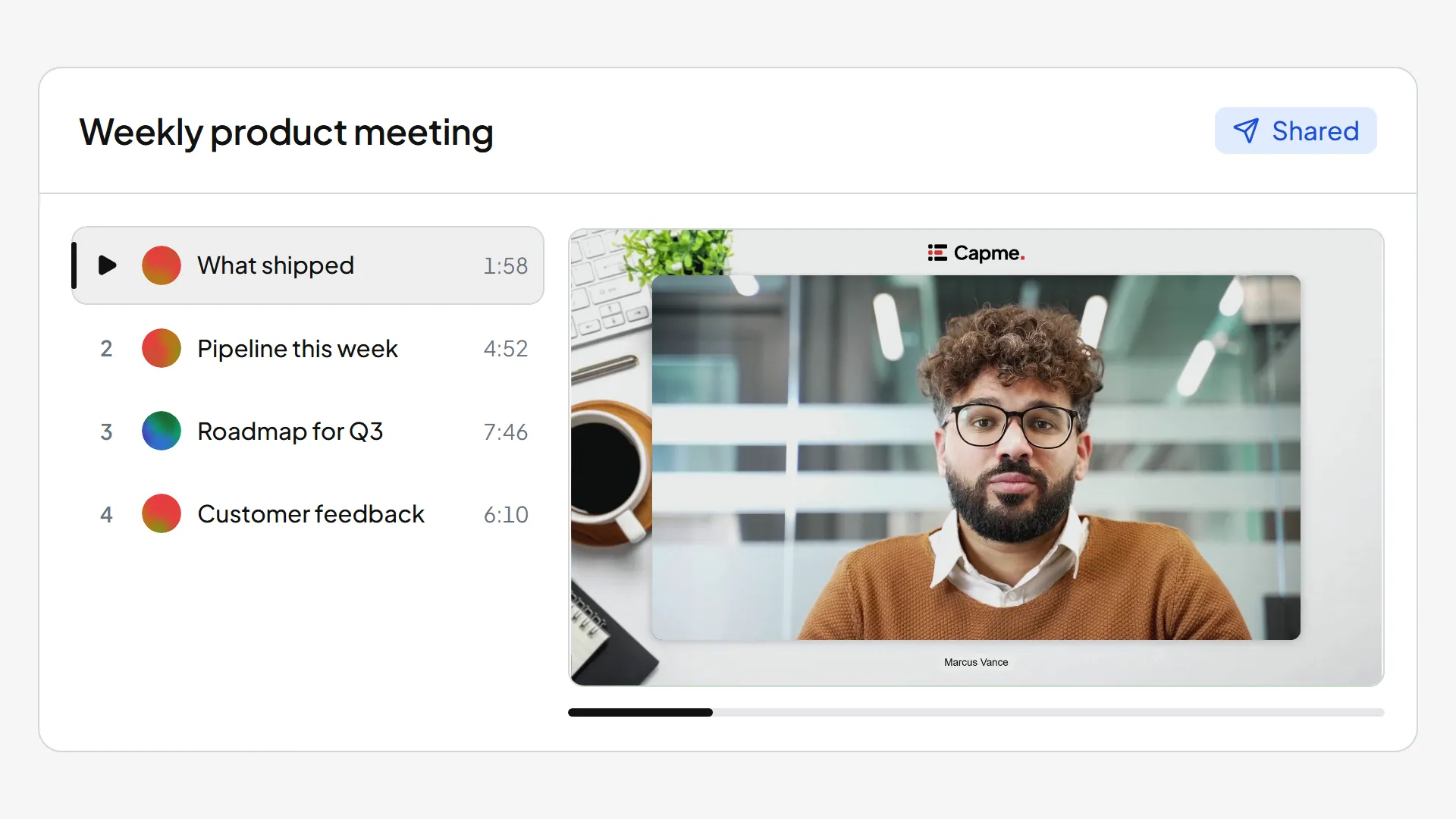
  3. The audience watches the whole agendaTopics play as chapters, and you see who has not finished.
For one person

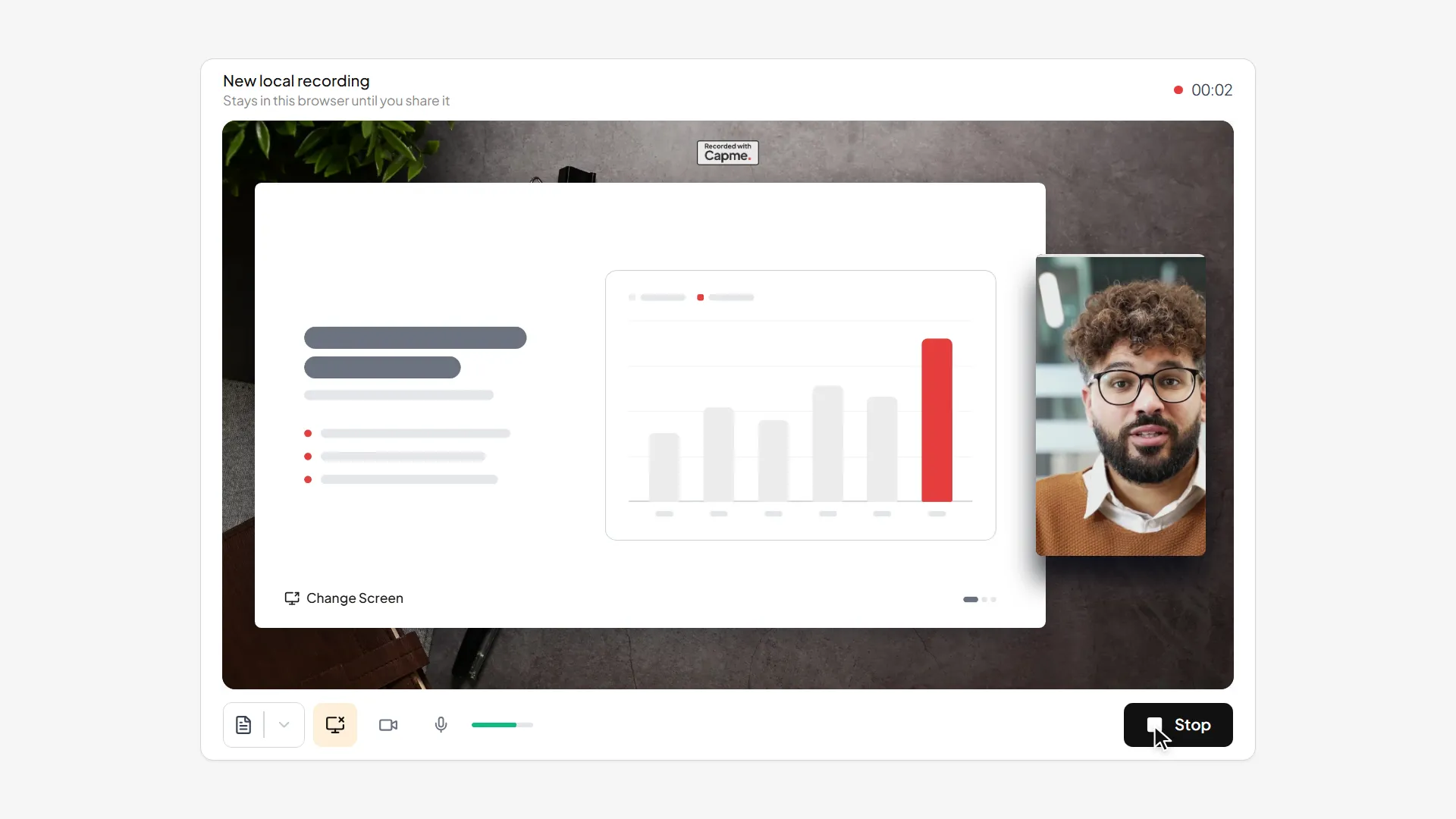
Capme Screen Recorder

Open a tab, hit record, and the MP4 lands on your machine.

“We already have Teams.”

Capme

For meetings where a few speak and many listen

  • Status update
  • Project status
  • Presentation
  • The week's numbers
  • Announcement
  • Onboarding
  • Training
  • Quarterly report

Teams

For meetings where you talk to each other

  • Decision
  • Brainstorming
  • Problem solving
  • 1:1
What changes

The status meetings go, the rest stays

Start with the meeting where many listen and few speak.

Which meeting to start with
The cost

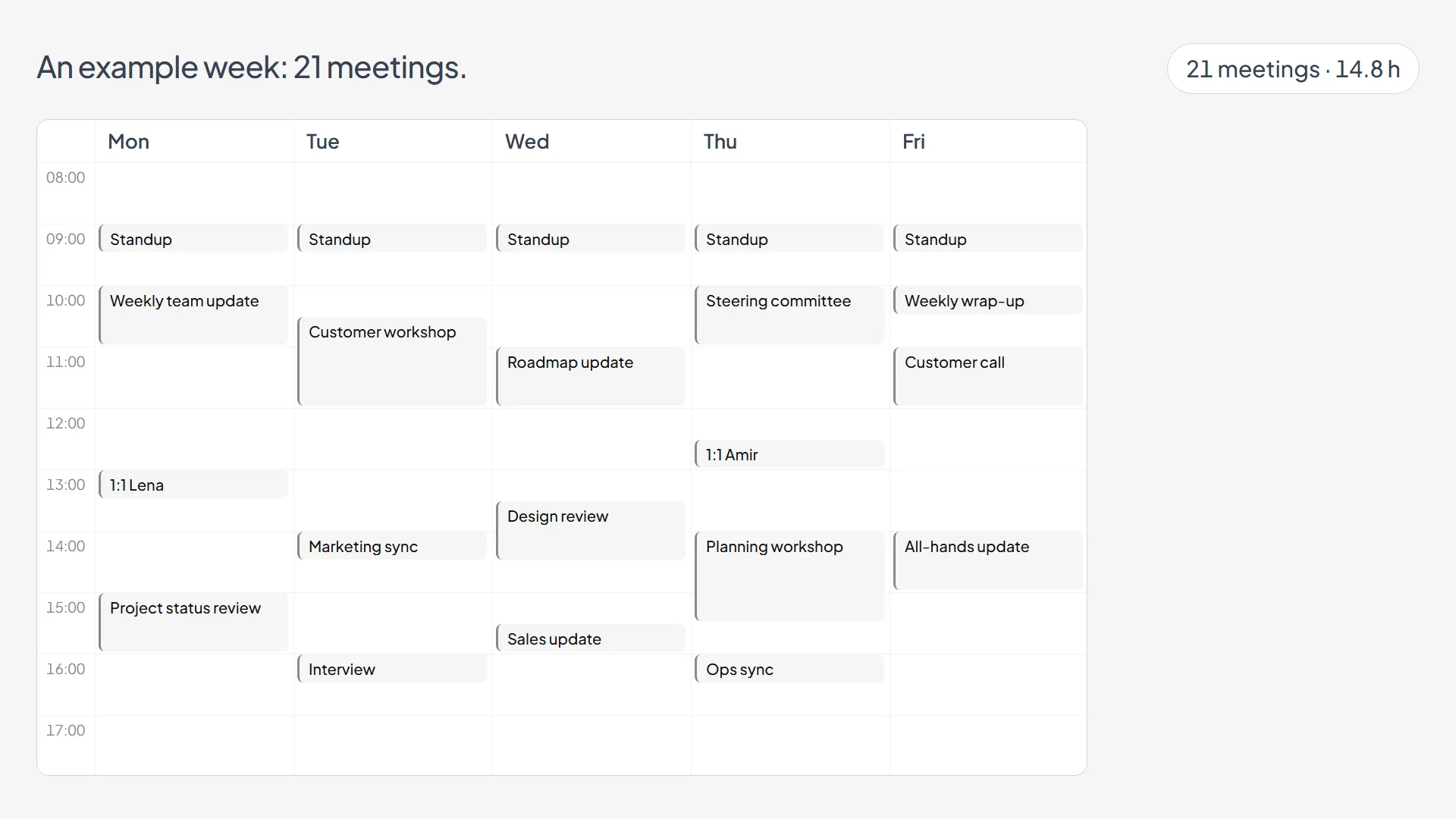
Meetings burn money

The figure is salary alone. Lost productivity is not counted.

Meeting cost calculator

1.95 M €

of salary a year, sat in meetings

100 people, 10 hours a week, 78,000 € loaded

Work out your number

Meeting hours calculator

A typical team lead spends 9 of 42 working weeks a year in meetings

MeetingsEverything elseHoliday, public holidays, days away
Work out your year
Where the video lives

Your video never has to reach us

On your device or in your own S3 storage, we never hold the file.

EU hosting

Solo and Team
  • Stored in the EU
  • Served from the EU
  • Subprocessor named in the DPA

Your own S3 storage

Full control
Business and Enterprise
  • Written straight to your S3
  • Never touches our storage
  • Stays if you leave

On your device

Free and Solo

The file is written to your device and stays there. Saving it asks for an email address.

Sub-processors, residency, DPA

Take one weekly meeting off the calendar

14 days with every speaker, no card. The recorder stays free.

Questions

What IT and procurement ask first

What is Capme?
Capme makes two products. Capme Screen Recorder records in your browser for free. Capme Meetings runs the weekly meeting as an agenda people record instead of attending. The recorder works on its own.
Where do recordings live?
The free recorder keeps them in your browser. A workspace stores them on EU hosting, or on Business in your own S3 bucket, where we never hold the file.
Do viewers cost anything?
Never, on any plan. You pay for the people who record. Three speakers watched by four hundred people costs three speakers.
What does it cost?
Free for one person, for ever. Company plans are per speaker from three speakers, and viewers are free on all of them. Every number is on the pricing page.
Do we have to integrate anything?
No. The recorder makes a standard MP4 and a hosted video is a link or an embed. Sign-in is a work email and a code. Business adds your own identity provider over SAML 2.0 and your own S3-compatible bucket.
Can you see our videos?
Depends where the file is, and we will not pretend otherwise. Browser: no access at all. EU storage: stored by us under the DPA. Your bucket: yours.
Who is this for?
Teams whose calendar is mostly recurring status calls, and companies that have to say where a video is stored before they may use one.

Ask us something else