No .exe. No App Store.
Install Capme.
One click.
Click install. Pin it to your taskbar. Works offline, updates itself, and never needs admin rights.
Open in Chrome or Edge to install
Look for the install icon in your address bar
Windows & macOS · Chrome & Edge · No admin rights
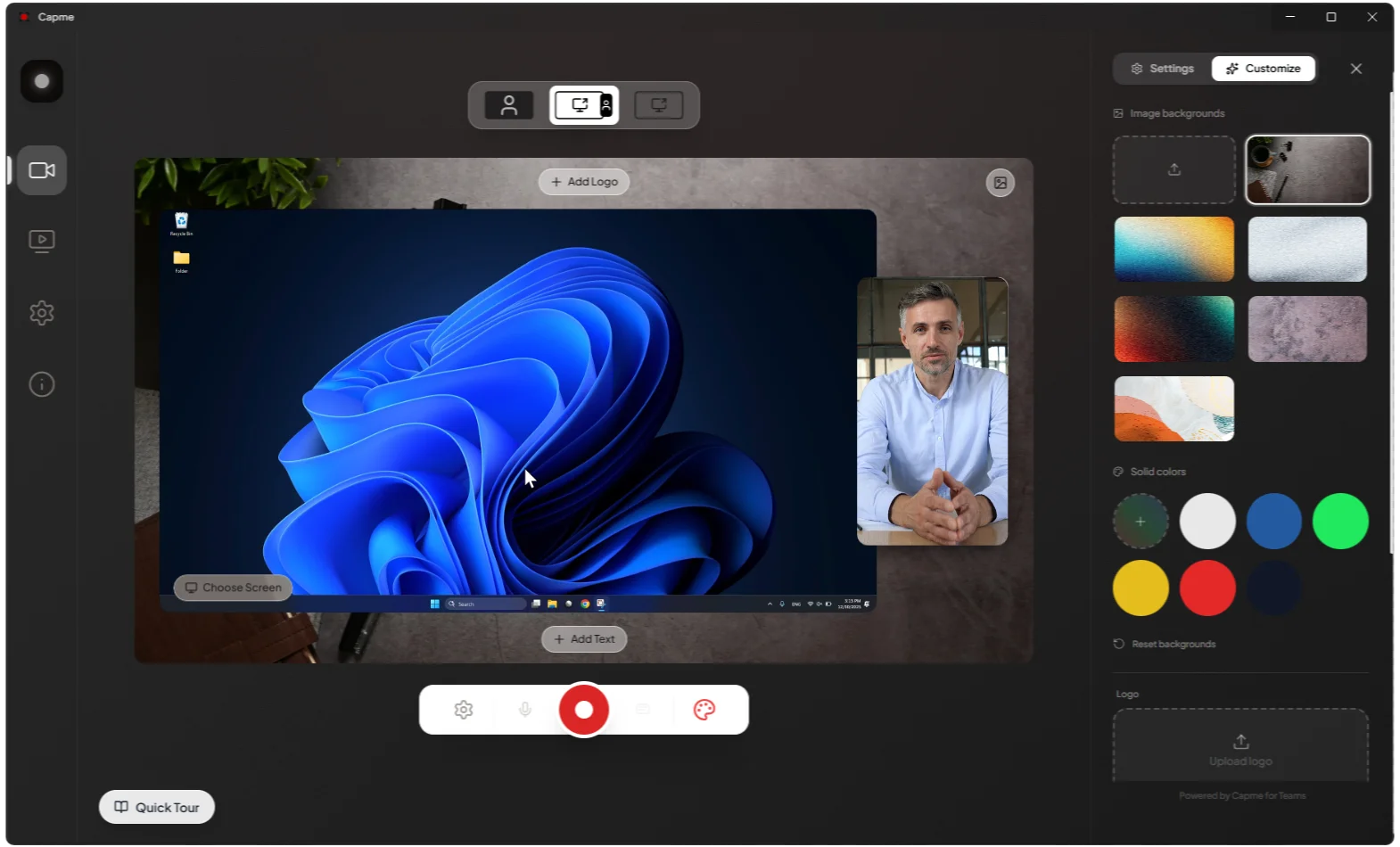
App Experience
Why Install?
The browser is great. But a dedicated app window means no tab hunting, no distractions, and full offline support.
Works Offline
No internet? No problem. Capme loads from your device and processes everything locally. Record, edit, and export without a single network request.
No Browser Tabs
Your recorder lives in its own window. An accidental browser close or tab crash won't interrupt your recording session.
Native Performance
Runs with the same GPU-accelerated engine as your browser but dedicated entirely to Capme, with no competing tabs stealing memory or CPU.
Always Ready
Pin it to the taskbar. One click and you're recording. No browser, no navigation, no searching for the right tab.
Enterprise & IT
Deploy to 1,000 devices. In one click.
Capme is a Progressive Web App: standard-compliant and push-deployable via Google Workspace or Microsoft Intune without any packaging.
Chrome EnterpriseSet WebAppInstallForceList in your Chrome policy JSON with the app URL.
Microsoft Intune / EdgeDeploy via WebAppInstallForceList in Edge policy or as a Web App in Intune.
policy.json
# Chrome / Edge policy (policy.json)
"WebAppInstallForceList": [
{
"url": "https://capme.app/studio",
"default_launch_container": "window",
"create_desktop_shortcut": true
}
]
Common Questions
Everything you need to know about installing Capme.